To enable monitoring of all services on Cpanel Server, run Example root@server20 [~]# whmapi1 enable_monitor_all_enabled_services — data: services: – monitored: 1 service: mysql metadata: command: enable_monitor_all_enabled_services reason: OK result: 1 version: 1 root@server20 [~]# See also tailwatch, cpanel server
Install Install Cpanel DNS Only Server Cpanel/WHM HOW-TOs Get access to Cpanel/WHM using whmapi1 Fix SSH in Cpanel Server with WHM root Access TailWatch – Monitor Services in Cpanel Server Cpanel webmail down, cpanel_php_fpm keep failing Building Packages For EasyApache
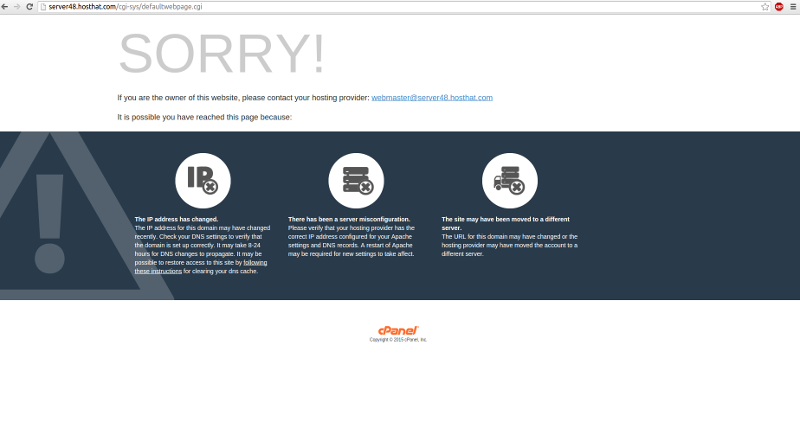
On one of our cpanel server, when visiting servers host name. This is because this web site is first site hosted on this IP. This happened because we don’t set which IP reseller can use when setting up reseller account,
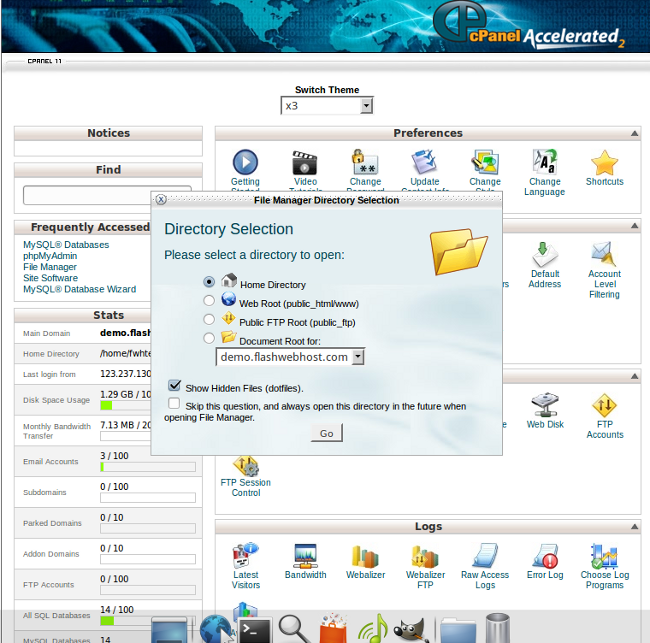
Hidden file and folder names start with a dot. Examples: .htaccess .htpasswd .fantasticodata .bashrc When using File Manager, you cannot see these files and folders unless you select the option to show hidden files. In cPanel, click the File Manager
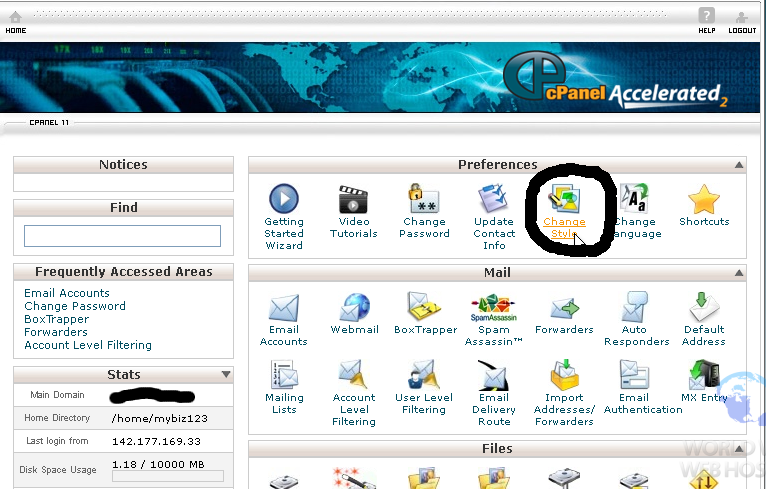
Login to cPanel and click Change Style. Click the radio button under the style you like. Scroll down and click the Change Style button. Return to the main page; you now have a new style in cPanel.
First You will need to login to your cPanel and create a database and database user in MySQL Database. Visit http://download.whmcs.com/ Click the Download button under the Full Release, this will be the latest release version Unzip the contents of
A customer had SSL certificate installed on his servers hostname for WHM and Cpanel. Recently SSH got expired. So he can’t access WHM. Got this fixed by
To Install CloudLinux, run If you have key based license, run If you have IP based license After installation finished, reboot the server, so server will boot into CloudLinux kernel After reboot, you will see kernel with “lve” Back to