All-in-One WP Migration is a free plugin that allows you to export your site’s content, media, plugins, and theme to a file in one-click. You can easily create and manage backups with the plugin. First thing you need to do
If you don’t want visitors to leave your website, you should make sure that your website is very fast and loads quickly.The fastest way to speed up your site without upgrading your hosting package or paying for a premium content
Galleries are an integral part of many websites. You can use galleries to show your visitors the latest photos, different types of products, portfolios and company informations etc.. To create an image gallery with thumbnails in WordPress, you need to
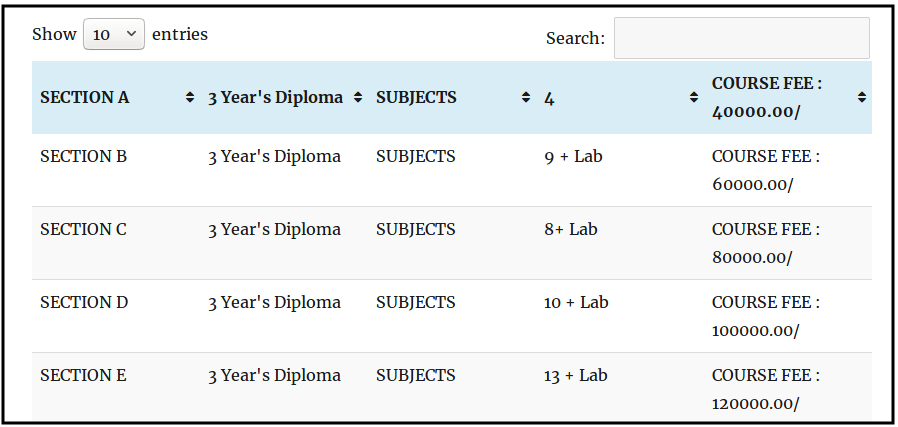
In this tutorial I am going to share with you how to add tables in WordPress posts or pages. There are a lot of fun things that need to be done when posts or pages in WordPress. But no WordPress
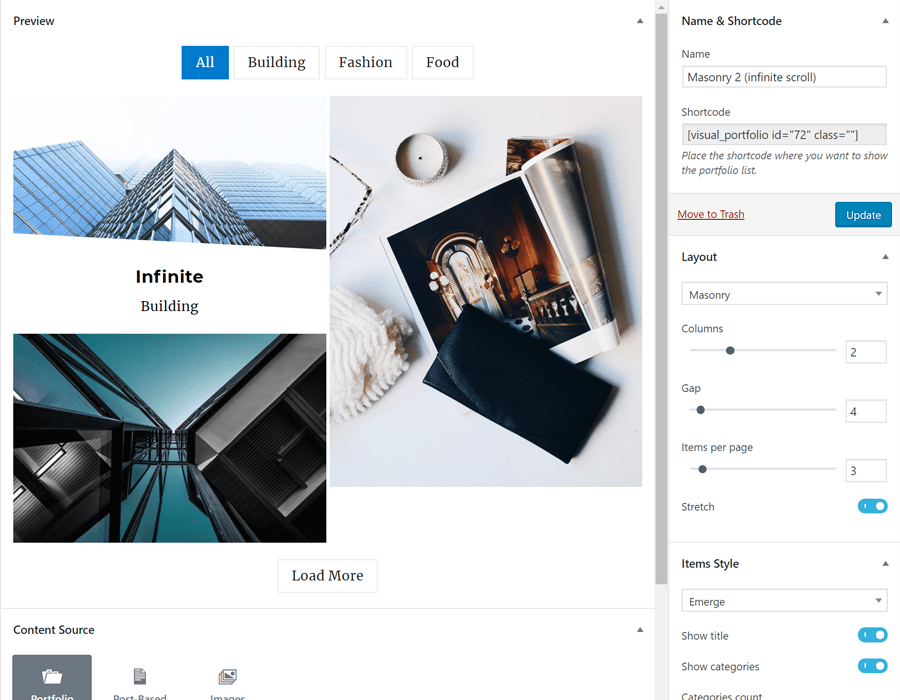
In my previous article, you must have read about Mansory images with the siteOrigin widget. Here is another plugin to create beautiful portfolio layouts. Visual Portfolio is one of the advanced Portfolio plugin to show portfolio in any custom post
Recently, added a video popup for WordPress menu item on client site as per his requirement. Here is the steps that I followed to create popup window. First, we have to install Popup Maker Plugin Once you install and activate
Are you a designer or developer and wanted to show off your website portfolio on your wordpress blog ? Then you can use WordPress portfolio plugin. It allows you to automatically generate thumbnails of websites you add to your portfolio
Looking for private blog/website for sharing family photos, company blog, or class room group ? Then you can choose All-In-One Intranet plugin. All-In-One Intranet gives you everything you need in one plugin to lock down your site and start building
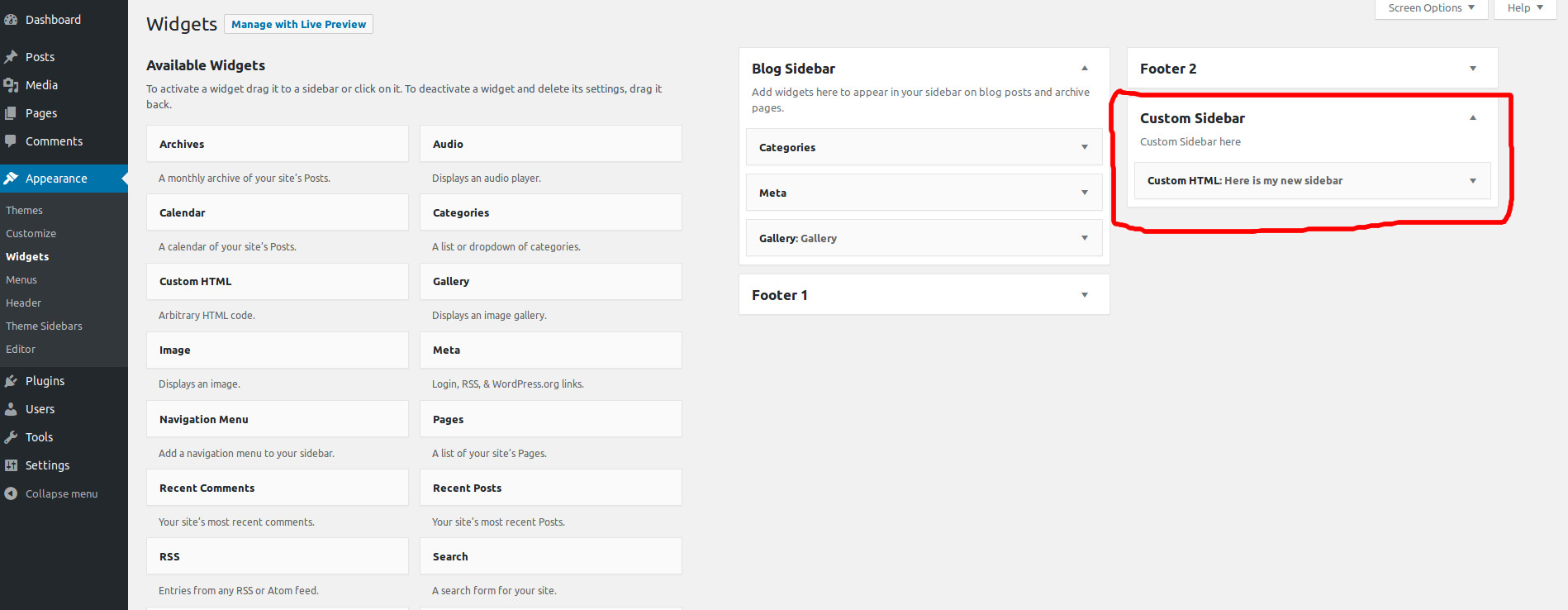
I tried Easy Custom Sidebars plugin for showing Different Sidebars for Each Post/page and it is very easy to use compared to other plugins. Here is the step by step guide for using Easy Custom Sidebars Plugin. STEP 1 :
I was using older version of WordPress on Ubuntu 16.04. Now when I try to upgrade to WordPress 4.9.5, it says And the plugin upgrade showing Then I changed the owner and group owner to www-data user using below command.