On cpanel server, i get following email from cron job Cron /usr/bin/test -x /usr/local/cpanel/scripts/update_mailman_cache && /usr/local/cpanel/scripts/update_mailman_cache Could not open archive dir for list_flashwebhost.com: No such file or directory at /usr/local/cpanel/Cpanel/Mailman/DiskUsage.pm line 115. Could not open archive mbox dir for list_flashwebhost.com:

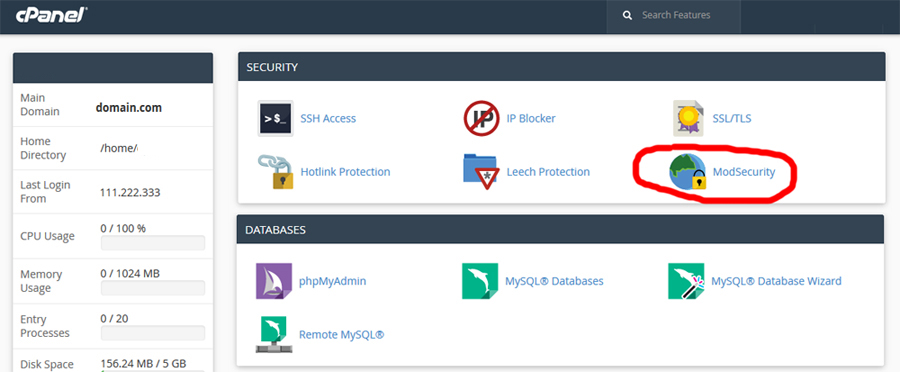
Mod_security is an apache module that helps to protect your website from various attacks. It is used to block commonly known exploits by use of regular expressions and rule sets and is enabled on all HostOnNet servers by default. In
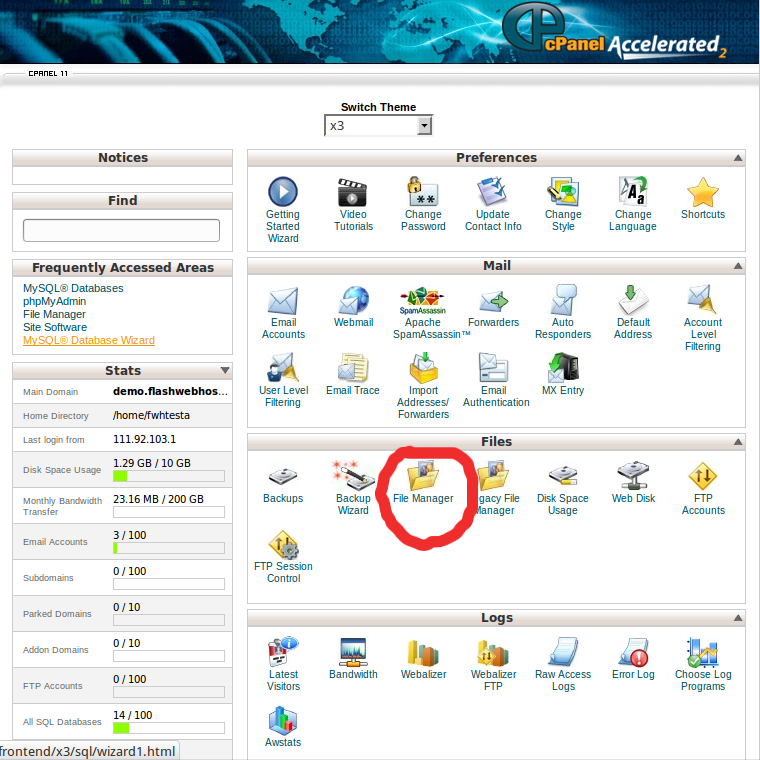
Login to cPanel and click File Manager Choose to open Web Root and Show hidden files At the top, click Upload. Click the Browse button. Double click the file you want to upload to your site. Wait for the blue
Log in to cPanel In the “Databases” section, click on “MySQL Databases” Icon. Under “Current Databases”, You can see list of your all databases. Locate the Database and then click on “Rename” Icon. Change database name and then click on
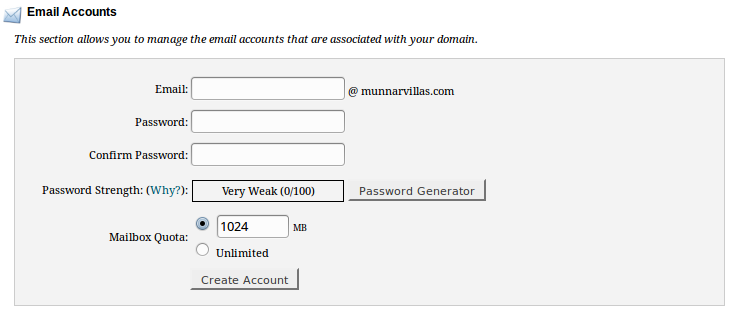
First, you need to login to cPanel and click on the Accounts icon located in the Email section. On the next page, fill out the form for new e-mail accounts. Enter the first portion of the e-mail address. Enter the
By default, webmail applications use the host server’s time zone. If you are in a different time zone, you can change this by login to your webmail area. Here I give you a guideline to change the time zone on
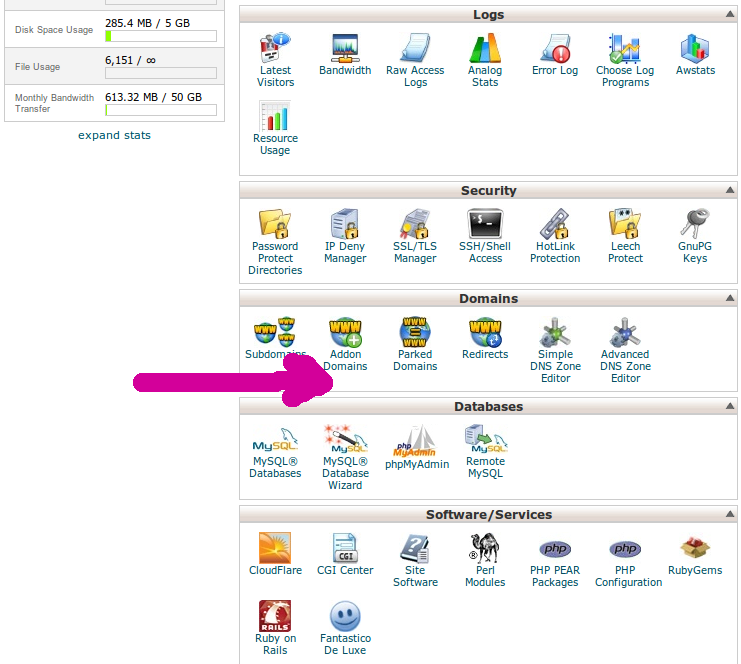
When you are removing add-on domains it important to remember that the cPanel automatically creates the folder where the website files are saved. If the folder is also a subdomain to the primary domain, then you may need to remove
Using the cPanel Password Protect Directory option, we can restrict users from accessing certain parts of your web site. When a user try to access the restricted folder, it will prompt for a username and password. They need to supply
1) Login to the cPanel control panel. 2) Click on File Manager in cPanel and then find the file or folder you want to change permissions on. 3) Click on the name of the desired file or folder 4) Select
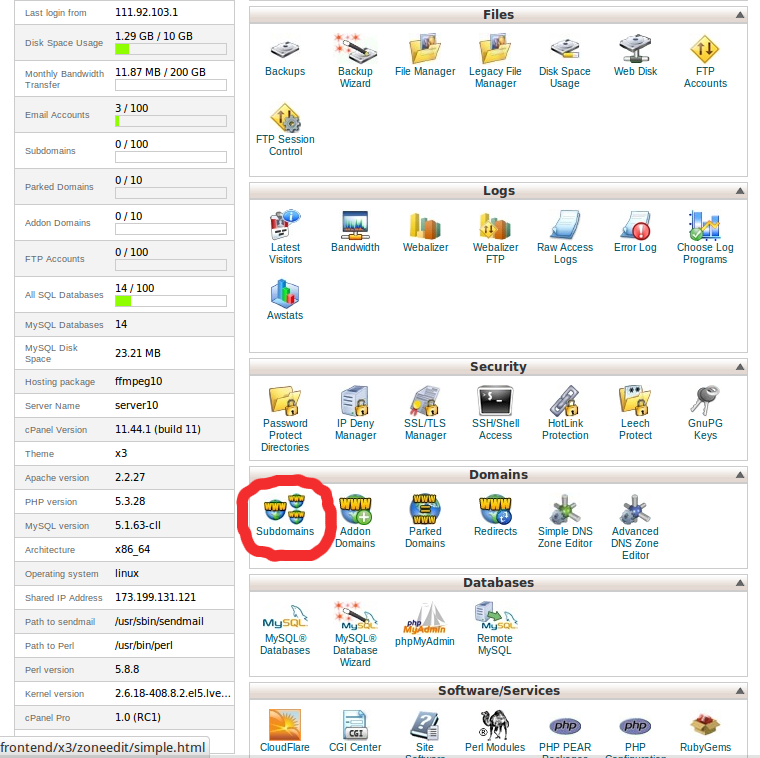
Login to cPanel. Locate and click on the “Subdomains” icon under the “Domains” category. Enter the name of the subdomain, and then provide a Document Root. The Document Root will be a folder that resides within your main domain’s root