Installed free WordPress theme ‘Business Point’ to client website and added his social media links in top header. But when I click on these links, it opens on the same page itself. I checked the theme files, but not able
As a designer I have to test many themes and plugins to my local wordpress installation. Reset WP is one of my favorite plugin that I have used to reset WordPress database to the default installation. It will only reset
I always placed PHP code in theme files to get the widget functionality in WordPress page or post page. But I stopped doing this when I found plugin Widget Shortcode. By using this we will get short code for any
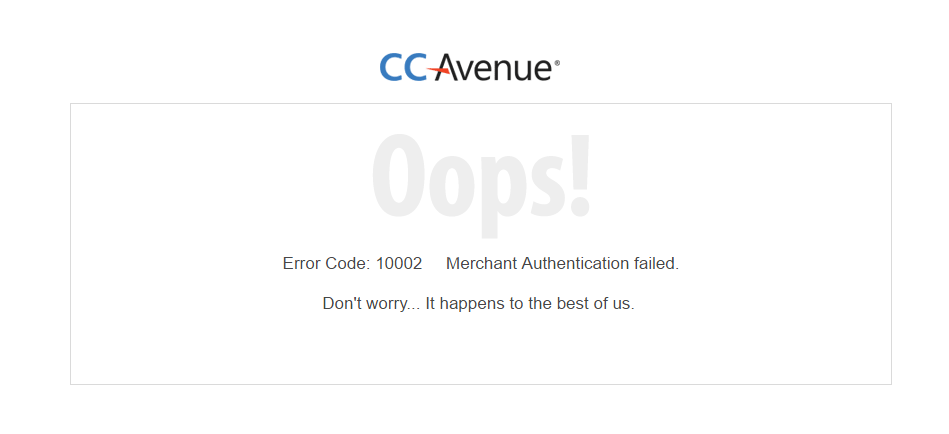
In a previous blog post we checked how to use CCAvanue with WooCommerce. You can view this tutorial by using this link How to get approved by CCAvenue for using WooCommerce. So for CCAvanue integration we used CCAvenue Payment Gateway
We are using syntaxhighlighter plugin to highlight portions of code. After converting WordPress Twenty Ten theme to Bootstrap 3, the code showing empty space on top. (ie, code start with line number 2). See the screenshot below We can fix
An error occured while updating wp google map plugin: Could not remove the old plugin.. Enabling Maintenance mode… Updating Plugin wp google map plugin (1/1) Downloading update from http://downloads.wordpress.org/plugin/wp-google-map-plugin.zip Unpacking the update… Installing the latest version… Removing the old version
Here are some FREE live chat plugin which can be integrated on a WordPress website without much hassle. These live chat WordPress plugins will appear on the website wherever you want them to show. Initiating and engaging chat with your
Created different template for Webdesign Portfolio page at http://blog.hostonnet.com/category/webdesign-portfolio. By creating templates for categories you can add specific features on category pages. For example, you can allow users to subscribe to categories, add category images, show category description and choose
Today i instaleld Twitter Tools plugin for this blog. After instllation, you need to go to configuration page of Twitter Tools, then provide your twiter login user name and passwod, Twitter Tools will test your account, then you need to