You can change WordPress url in phpmyadmin or Admin area of WordPress. If you can’t login, you can add following code to wp-config.php to force change WordPress URL. Here are some WordPress plugins that help you move site from one
WordPress Security Securing WordPress Blog with .htaccess How To Secure Hacked WordPress Blog Basic Things to Secure WordPress Disable PHP Execution in WordPress Uploads Folder Disable Directory Browsing in WordPress WordPress HOW-TOs Syntax Highlighter plugin not working in WordPress ?
You cant trust any files in hacked site, hackers always hacker tools in multiple locations. So even if you upgrade WordPress and deleted hacker files, there is a chance your web site get hacked again. Do Not Use Files From
Syntax Highlighter Plugin stopped working after made some modification in WordPress blog. I tried by changing the theme to different one and it worked. Yesterday I removed some unwanted codes from footer file. So I checked the themes/footer.php file and
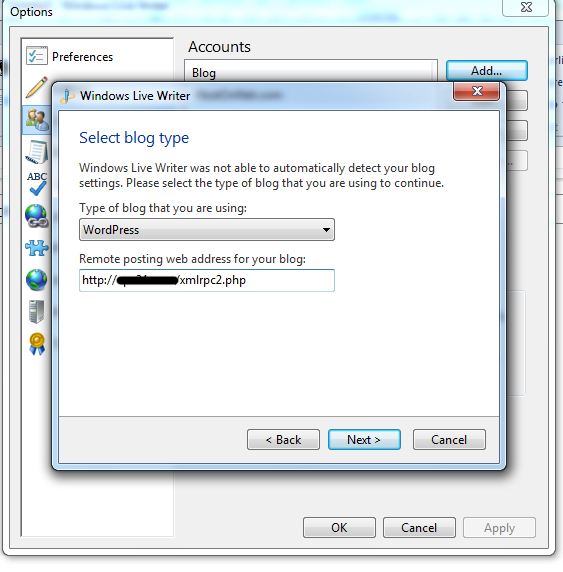
Getting the following error when I try to connect the WordPress blog with Windows Live Writer Can’t connect to your blog service. Network connection error- Error attempting to connect blog at http:/mydomain.com/xmlrpc.php Moved permanently : Moved permanently Please try fixing
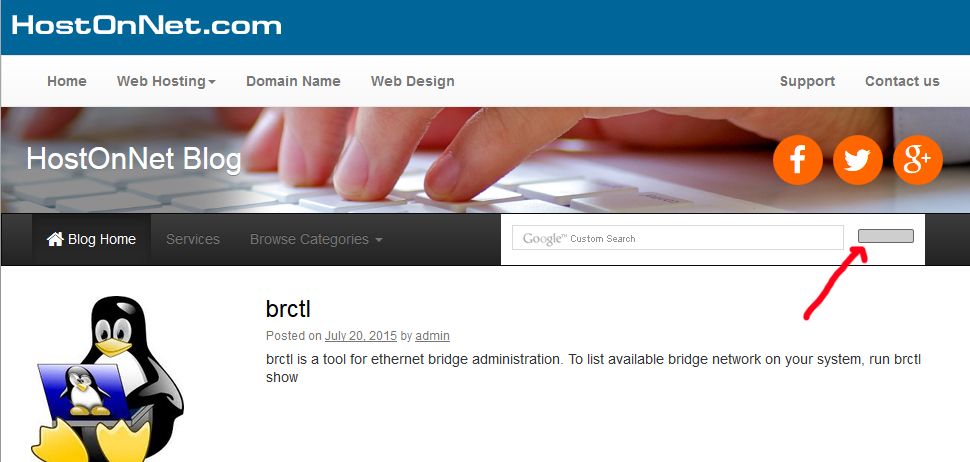
Today, replaced the WordPress default search with Google Custom Search in navbar . But search button was not visible after adding the code. So added new search button with help of of following CSS code For Google Custom Search code,
WordPress get auto updated on Cpanel servers running PHP in suPHP mode. If PHP is running as mod_php (DSO), then you have to enter FTP details in wp-config.php Add following to wp-config.php Now update will work with out prompting for
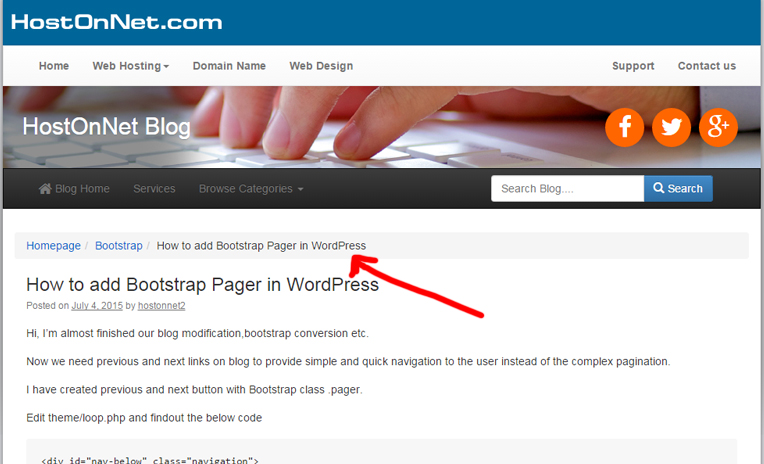
Sorry, I forgot to say how I add Bootstrap breadcrumbs in blog A breadcrumb is a navigation scheme that indicates the user’s location in a website or web application. Breadcrumb navigation can greatly enhance the accessibility of websites having large
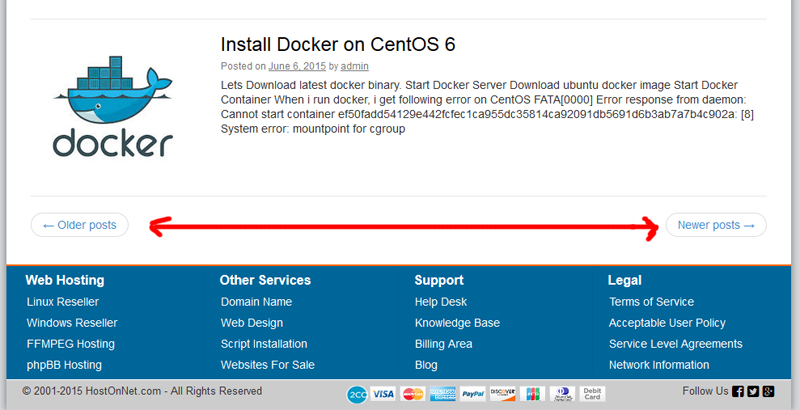
Hi, I’m almost finished our blog modification,bootstrap conversion etc. Now we need previous and next links on blog to provide simple and quick navigation to the user instead of the complex pagination. I have created previous and next button with