
Natural Reader Vs TextAloud

I started using Text To Speech on windows when i see it on Opera 10. But with latest version of Opera, Speak feature stopped working. It is said that the Speech feature in opera is created by IBM, they no longer support this feature. I have switched from FireFox to opera because of this feature.

I have a plan to switch to Ubuntu, one of the reason i still with windows is Text To Speech. I tried few in linux, none of them have good voice quality.

With opera not supporting Speech, i have to find another program. On searching, i found NaturalReader, TextAloud and some other programs. I have posted the info i collected at http://webhostingneeds.com/tts

After some days of search i decided to go with NaturalReader or TextAloud. Expressivo, IVONA Reader looks good. Both are from same company. They give demo with natural voices too. But i don’t go with that as the voices are not using sapi5. I installed demo, but after seeing it is using their own engine, i removed from the list.

TextAloud is very good program. I see many good reviews about that. I have installed trail it work properly. I like the FireFox toolbar provided by TextAloud. Also many more options than NaturalReader. But TextAloud force you to use AT&T voices Mike & Crystal. If you need extra voice that cost $30/$45 per voice. TextAloud give time limited full functional demo with out natural voices, so you have to use it with your system default voice.

NaturalReader provide a free version. When the software start, it reads some advertisement. If you purchase paid version, you will get 2 natural voices and the voice advertisement in start removed. Good thing about NaturalReader is you have option to select different voices, even languages. With TextAloud, you are forced to buy AT&T Mike & Crystal voices. There are some bad reviews about NaturalReader.

Since i have tried the free version and have option to select voices, i decided to go with NaturalReader Personal. Before purchased i asked sales if the toolbar works with FireFox. They told yes. I asked for demo. They said no demo available for personal version and assured it will work in FireFox. After purchase, i found toolbar not working in FireFox. I asked them why it not working, they told it will work for older version of FireFox (3.5). Current version of FireFox is 3.6. That is not good. They can’t upgrade toolbar for latest version even though they advertise it as a feature. Anyway i am waiting for next release that they told will fix the toolbar. Not sure when it will be released.

Even though i was not satisfied with NaturalReader at first because of FireFox issue, it is work money as you only spend price of two natural voices. Consider the software free. Internet Explorer toolbar works better than TextAloud as it highlight words while reading.
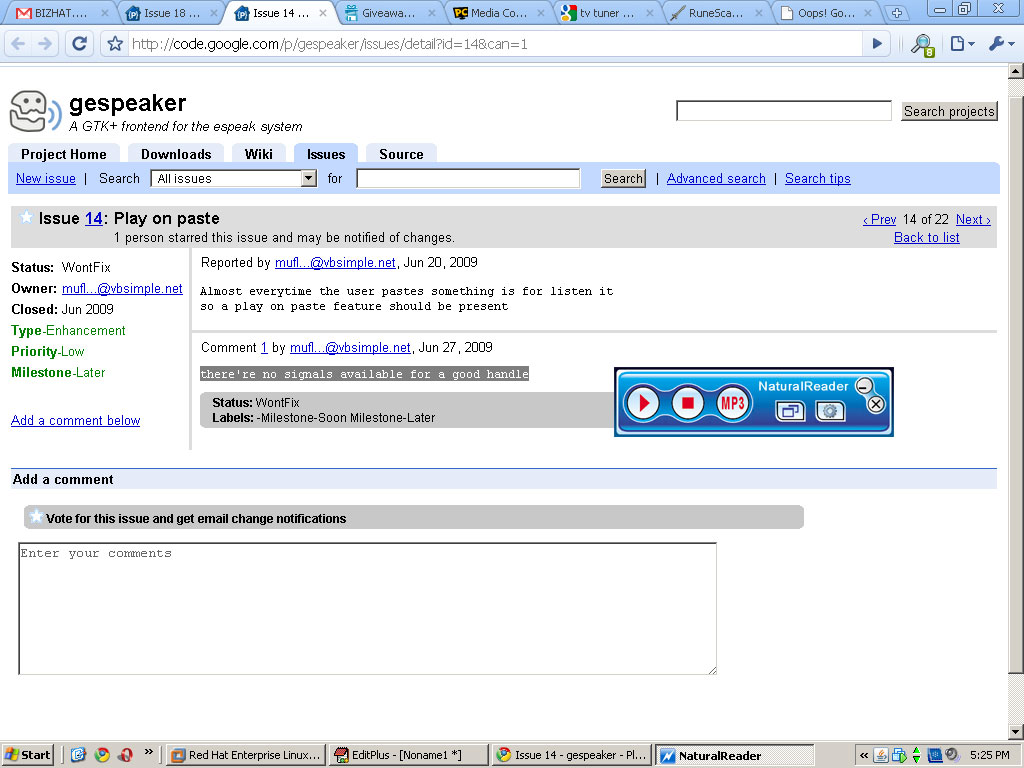
NaturalReader

MiniBoard of NaturalReader is very useful. That is one feature i will miss if i go with TextAloud. But i use FireFox mostly, so prefer a toolbar more than a MiniBoard. MiniBoard will be good to read from non supported applications like Google Chrome.

This entry was posted in Windows and tagged , , , . Bookmark the permalink.

11 Responses to Natural Reader Vs TextAloud

  1. Jon says:

    I would advise anyone not to purchase Natural Reader, they have the uninstall and reinstall non-support support, and as soon as I asked for a refund they quit communicating with me at all.

  2. admin says:

    Last month i purchased TextAloud with no voices. Using it with voices provided with NaturalReader, toolbar works in firefox 4, so happy with it.

    If anyone want TextAloud, use following link to get $10 discount.

    http://goo.gl/O9NbR

    If you have already visited shopping cart page, discount won’t work unless you clear browser cache.

  3. Johannes Schober says:

    I like using NaturalReader, because I love the Miniboard (just click shortcut F9+ctrl is really comfortable to read any text).
    But I agree that the support could be improved (they were not really fast in answering also about the Firefox Issue, but they told me they are working on update it to Firefox 5), but it is really a nice program – got the Professional version, because I needed English and german …
    And after I got used to it, I prefer the Miniboard to a Toolbar, so I don’t care about the update anymore ^^

  4. San says:

    I just purchased Natural reader 10, Personal Version with 2 voices for 49.50$. The software is excellent and the voices are life like unlike the traditional microsoft ones. Before you purchase the voices, ensure that you listen to them for free on their website. I listened to all of the voices and found American Accent voices of Ryan and Heather combination to be the best choice and value for money. The British accent voices could be purchase separately later on. I heard all the British voices and found Graham and Lucy to be the best(each to be purchased and downloaded separately). Please ensure that you type in the text and listen to each voice before you make the decision to purchase the voices. Some of the voices especially that of AT&T is pathetic.

    The Personal version for 49.5$ is the best value for money, as the other features like MP3 editor, cutter and merger could be done by free utilities available for download online. It is not worth paying another 50$ extra for these features. Instead you could use that money to download additional voices like that of Graham and Lucy.

    Once you purchase the software using credit card, you will be send to their download page containing the SERIAL no and download links for the software you purchased.

    I am really happy with the purchase.
    Thanks and Best wishes to the Naturalreader team.

  5. Joe says:

    I was gonna try NaturalReader, but with all the bad reviews, I will be staying away from it. Thank you.

  6. Sam says:

    I bought Natural Reader (Education) and it was one of the worst buying experience I ever had.

    1. The CDs arrived packaged unprofessionally, like a bootleg warehouse.

    2. The software malfunction, did not work, and was shutting down. (it did not work also with word or outlook)

    3. The software was asking to let that company access my outlook through the internet each time I was trying to use the software in outlook.

    4. They do not have customer service, you need to contact them by email if you have problem, they do not have a phone support,

    5. Finally when I ask refund they gave me a phone number, and look like they are a bunch of Asians, with funny accent.

    6. At one point the Asian guy who called himself “Sam” Wang wanted to go into my computer through the internet, and I simply asked if he is crazy? I do not trust these bootleggers.

    7. Then they claimed that that I installed the program on 4 computers and they gave me the time and date, even though it was used only on one computer, but it just show that their software is malicious, and letting them access your computer without permission.

    8. Finally I had to dispute the charges through my credit card company, and after my dispute went through, the malfunction program died altogether with show they are accessing your computer through the internet.

    Stay away from these lousy accent Asians, awkward and dangerous bunch of creeps.

  7. Eric says:

    Both of the products are owned by ”AT&T”
    GO to Natural readers website, at the bottom it says-

    All Copyrights of naturally sounding voices™ are owned by AT&T Co. 2010 NaturalSoft Limited, all other rights reserved

  8. admin says:

    None of them owned by AT&T. These companies resell AT&T Voices.

  9. johny says:

    thank you for all the comments seems that natural reader a stay away … and about entering into computer … no wonder norton give a warning about this …

  10. Lara Hayes says:

    Holy smokes, I have just seen all this about natural reader.

    Basically, I’ve had it for around a year and its all been fine (few glitches but nothing too major), but then it suddenly won’t load. I contacted the customer support given and have been emailing this Sam Wong.

    I told him it wasn’t working. It loaded and then crashed and when I clicked the icon in the system drive it still didn’t load. He told me this: ‘According to your information, NaturalReader is minimized to the system tray for sure.’ Firstly, how on earth does he know that!? After reading the comments above, I am getting concerned. And secondly, I told him I had already done that, hence the reason I emailed him in the first place. He then told me to close the program in task manager…natural reader didn’t show up on task manager. He then, told me to reinstall the program and download a new one or update for $9.99….What on earth? Firstly, the verson I bought was the $49.50 one. So I am confused as to what he means of buy a new one, or update…and secondly, why should I buy a new one when the program has broken itself?! I haven’t changed my computer settings or anything, so why on earth should I have to fork out more money for something I can’t even guarantee to work in the long run. I told him I wanted an alternative or a refund. So, any one have ideas what to do? This has got to be dodgy. DO NOT DOWNLOAD THIS.

  11. Lara says:

    I’ve uninstalled the program now and my computer is running smoother. Pete from Natural Reader has been replaced with Texthelp Tim (a much safer program given to me by my university)!

Leave a Reply

Your email address will not be published. Required fields are marked *

You may use these HTML tags and attributes: <a href="" title=""> <abbr title=""> <acronym title=""> <b> <blockquote cite=""> <cite> <code> <del datetime=""> <em> <i> <q cite=""> <strike> <strong>